
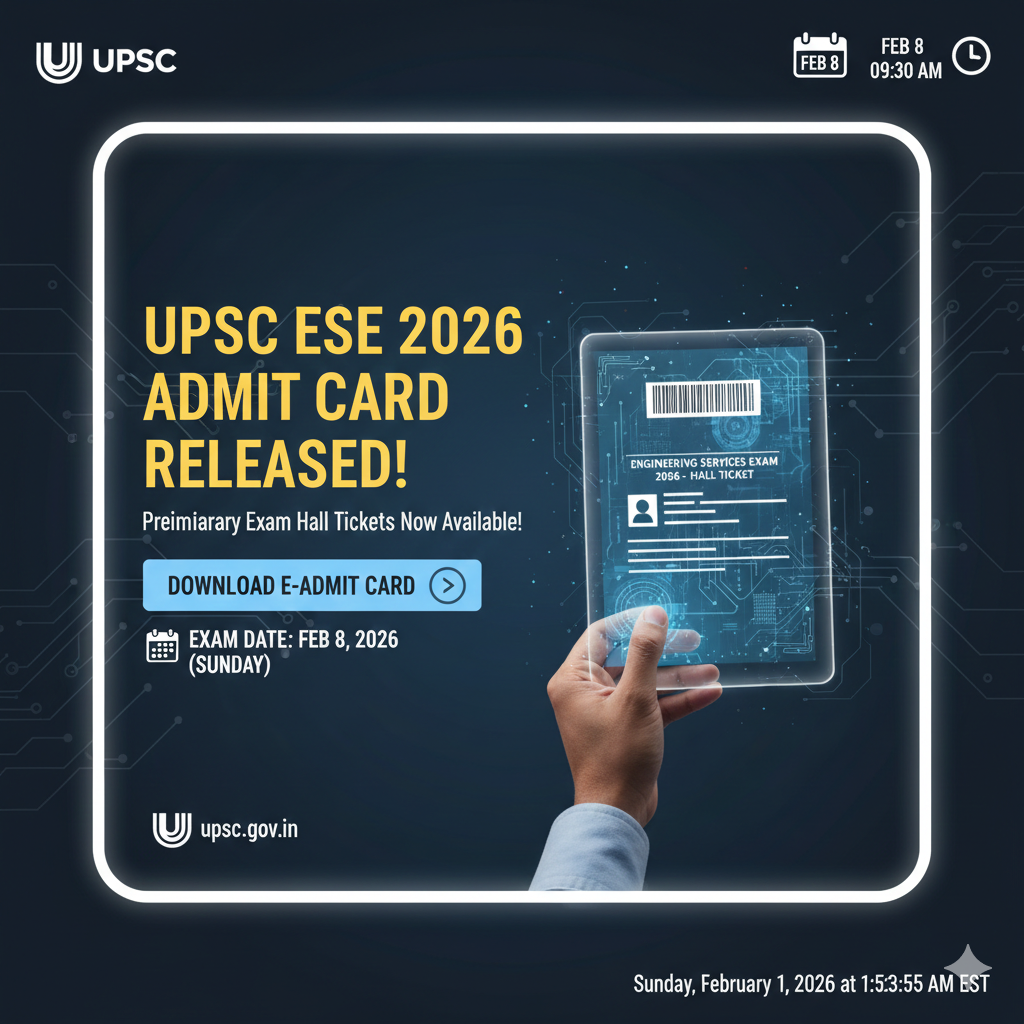
UPSC ESE Admit Card 2026 Released: Preliminary Exam Hall Tickets Now Available for Engineering Services Examination
UPSC ESE Admit Card 2026 Released: Preliminary Exam Hall Tickets Now Available!
Attention all aspiring engineers! The Union Public Service Commission (UPSC) has officially released the much-awaited ESE Admit Card 2026 for the Preliminary Examination. The hall tickets were made live on January 30, 2026.
This is a critical update for candidates aiming for a prestigious career in various engineering disciplines under the Central Government. The Preliminary Exam is scheduled for February 8, 2026 (Sunday). If you have applied for this Govt Job 2026 opportunity, download your hall ticket immediately to verify your allotted exam center.
📊 UPSC ESE 2026: Key Information Table
| Organization | Union Public Service Commission (UPSC) |
| Exam Name | Engineering Services (Preliminary) Examination 2026 |
| Total Vacancies | 474 Posts |
| Admit Card Release Date | January 30, 2026 |
| Preliminary Exam Date | February 8, 2026 |
| Official Website | upsconline.nic.in / [suspicious link removed] |
🎓 Eligibility & Selection Process
-
Educational Qualification: Candidates must hold an Engineering Degree (B.E./B.Tech) in one of the following four disciplines: Civil, Mechanical, Electrical, or Electronics & Telecommunication Engineering.
-
Age Limit (as of Jan 1, 2026): 21 to 30 years (Candidates must have been born between Jan 2, 1996, and Jan 1, 2005). Relaxations apply for SC/ST/OBC and other categories as per norms.
-
Selection Stages:
-
Stage I: Preliminary Examination (Objective Type – 500 Marks)
-
Stage II: Main Examination (Conventional Type – 600 Marks)
-
Stage III: Personality Test (Interview – 200 Marks)
-
⚙️ UPSC ESE 2026 Prelims Exam Schedule
The exam will be conducted in two shifts on the same day:
| Session | Timings | Subject / Paper |
| Forenoon | 09:30 AM – 11:30 AM | Paper I: General Studies & Engineering Aptitude |
| Afternoon | 02:00 PM – 05:00 PM | Paper II: Discipline-Specific Engineering |
📝 How to Download Your ESE Admit Card 2026
Follow these steps to secure your e-Admit Card:
-
Visit the Official Portal: Go to upsconline.nic.in.
-
Locate the Link: Click on “e-Admit Cards for various Examinations of UPSC.”
-
Select ESE 2026: Click the download link for “Engineering Services (Preliminary) Examination, 2026.”
-
Instructions: Read the “Important Instructions” carefully and click “Yes” to proceed.
-
Login: Choose to login via Registration ID or Roll Number and enter your Date of Birth.
-
Print: Your admit card will appear. Download it and take a printout on white paper.
⚠️ Important Exam Day Guidelines
-
Mandatory Documents: Carry a printed copy of your e-Admit Card and the Original Photo ID (Aadhaar, Voter ID, PAN, etc.) whose number is mentioned on the admit card.
-
Gate Closing: Entry to the exam venue closes 30 minutes before each session (09:00 AM for the morning shift and 01:30 PM for the afternoon shift).
-
Writing Material: Use only a Black Ball Point Pen for marking responses on the OMR sheet.
-
Prohibited Items: Mobile phones, smartwatches, calculators (except non-programmable ones if permitted), and bags are strictly banned.