TGPSC OTR Update 2026: Mandatory for Upcoming Recruitments – Don’t Miss the Deadline!
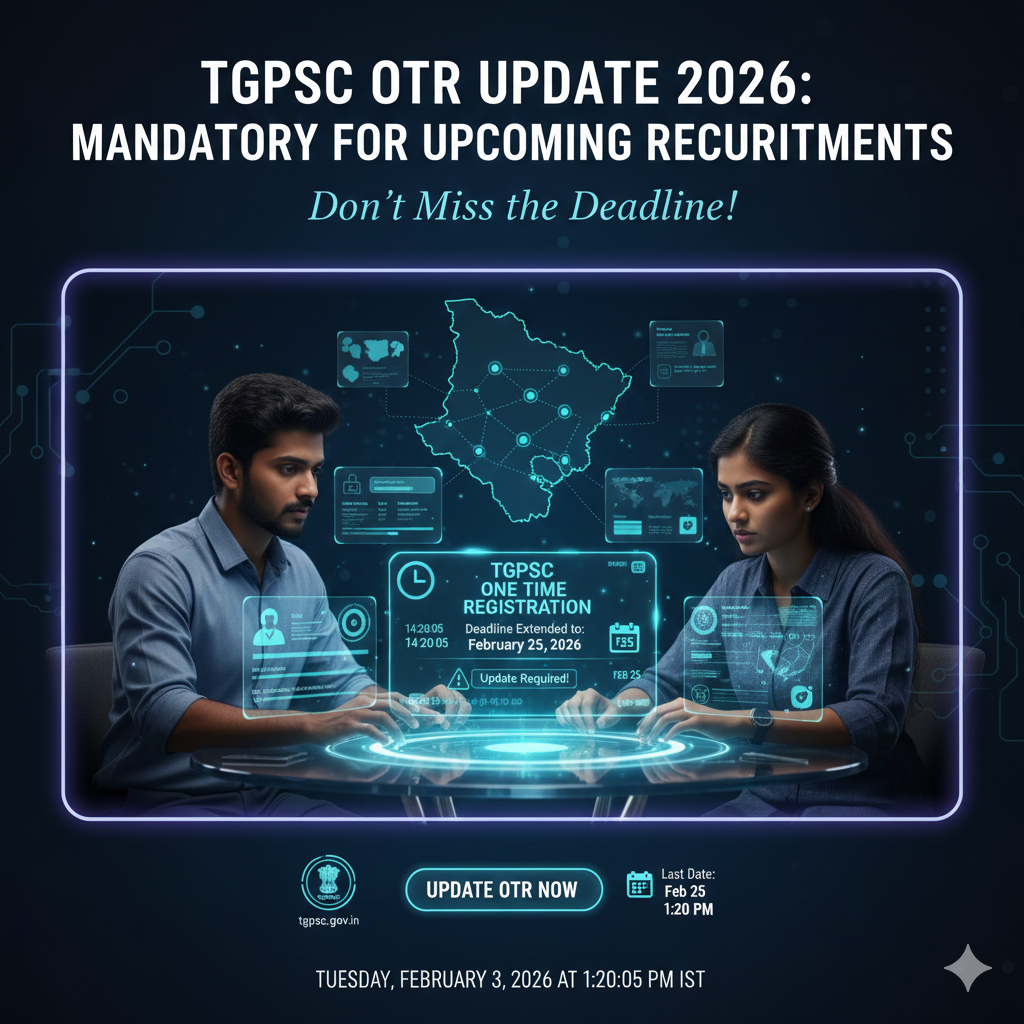
TGPSC OTR Update 2026: Mandatory Deadline Extended to Feb 25!
The Telangana State Public Service Commission (TGPSC) has issued an urgent directive for all candidates. To ensure a seamless application process for the massive wave of Govt Jobs 2026 (including Group I, II, III, and IV), it is now mandatory to update and validate your One-Time Registration (OTR) profile.
Originally set for early February, the deadline has been officially extended to February 25, 2026. Failure to update your profile will block you from applying for all future Latest Job Notifications issued by the commission.
📊 TGPSC OTR Update: Key Timeline
| Activity | Date / Deadline |
| OTR Update Window Opened | January 19, 2026 |
| Initial Deadline | February 9, 2026 |
| Revised & Final Deadline | February 25, 2026 |
| Expected Notification Release | March 2026 onwards |
| Official Website | tgpsc.gov.in |
🎓 Why is this Update Compulsory?
The TGPSC has stated that this cleanup of its database (which contains over 31.65 lakh candidates) is necessary due to:
-
SC Categorization Changes: Recent government policy changes regarding Scheduled Castes categorization.
-
New Qualifications: Ensuring candidates can add recently acquired degrees or diplomas.
-
Data Accuracy: Reducing discrepancies that cause delays in Sarkari Results and appointment orders.
📝 What Can (and Cannot) Be Edited?
While most core fields are locked for security, you can and must verify/update the following:
| Editable / Updatable Fields | Non-Editable (Locked) Fields |
| Additional Educational Qualifications | Candidate’s Name |
| Latest Colour Passport Photograph | Father’s/Mother’s Name |
| Correspondence Address | Basic Date of Birth (usually) |
| EWS / Non-Creamy Layer Status | Aadhaar Number |
| Mobile Number & Email ID | TGPSC ID (Primary Key) |
📥 Step-by-Step: How to Validate Your Profile
-
Login: Go to the Edit OTR Link and enter your TGPSC ID and Date of Birth.
Note: Use “TG” in place of the old “TS” prefix if prompted.
-
OTP Verification: Enter the OTP sent to your registered mobile number.
-
Review Details: Carefully check your category and education sections.
-
Upload Documents: Upload your latest certificates and a clear recent photo (white background recommended).
-
Submit: Cross-verify all data and click on Submit. Download the confirmation receipt for your records.
Would you like me to find a detailed list of the specific documents needed for EWS status validation, or should I generate a “Checklist” image for your OTR update?
This video provides a complete step-by-step walkthrough of the OTR update process to help you avoid common mistakes before the deadline.